S-PLAY Programmer
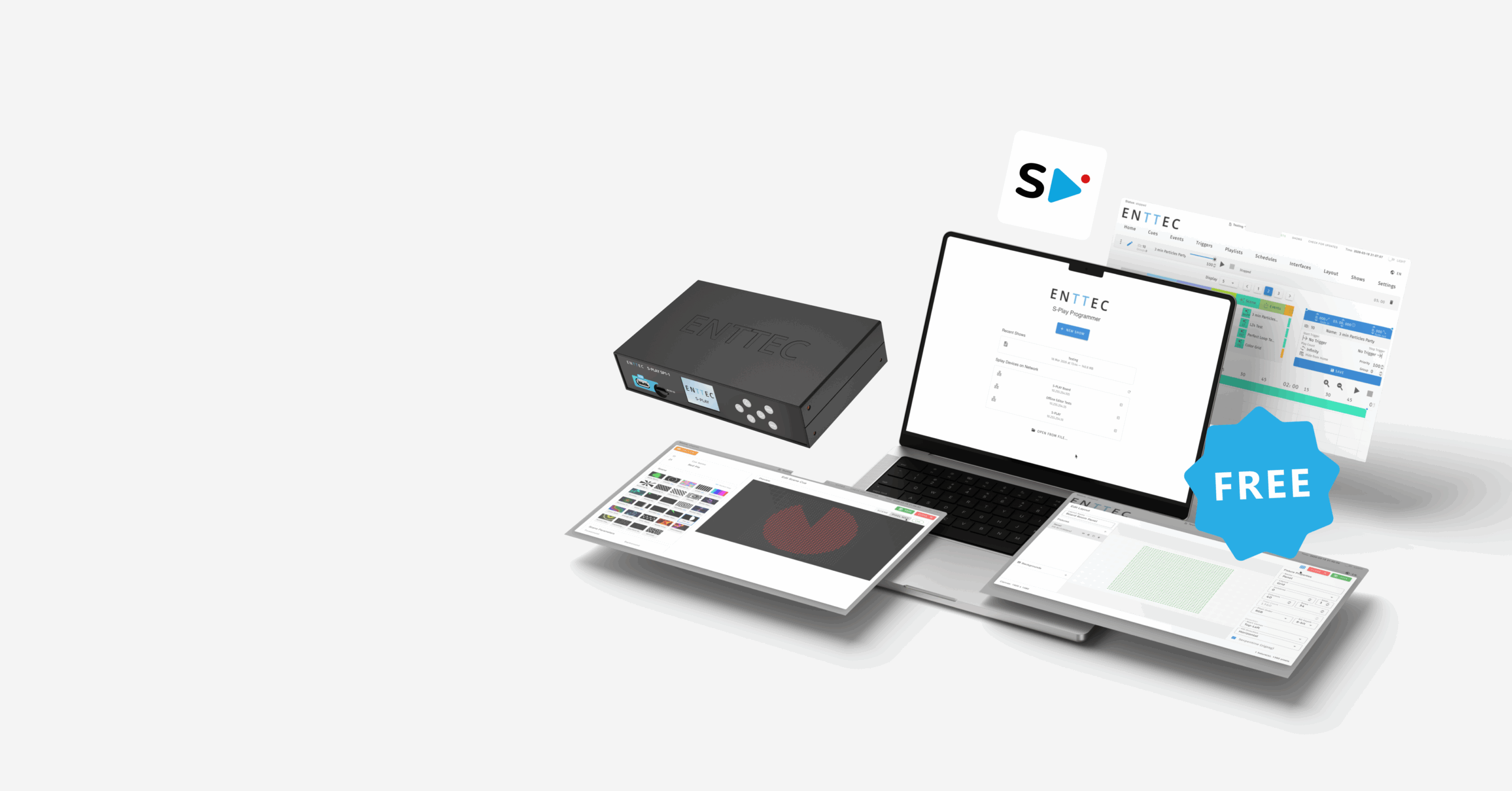
Build your light shows offline, on Mac or Windows
Connect to your live device and deploy when you’re ready.
No internet connection, no hardware needed to get started.
✓ Free ✓ No license required ✓ Auto-updates built in
Create your light show using
S-PLAY Programmer
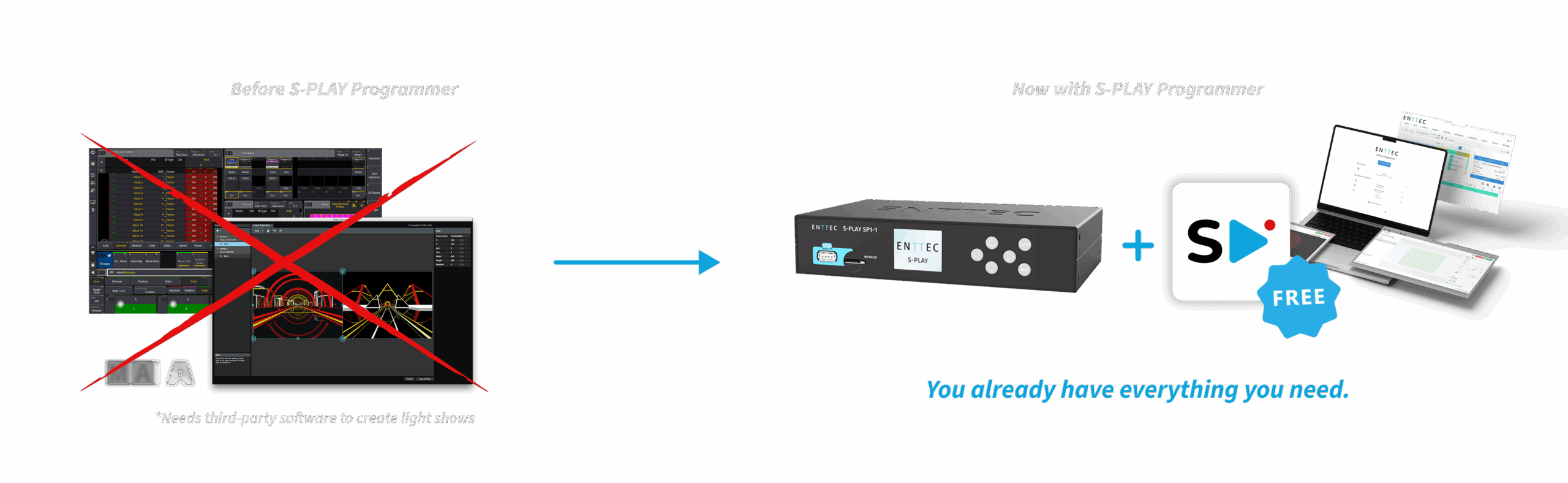
Before S-PLAY Programmer, creating content for your S-PLAY meant relying on third-party software to create your light show, then recording it back in real time. S-PLAY Programmer removes that dependency entirely.
Now you can build your complete show directly in the software, for free, from anywhere, without hardware connected. If you already use the S-PLAY, you already know the interface, plus two desktop-exclusive features: Scene Cues and Fixture Layouts.
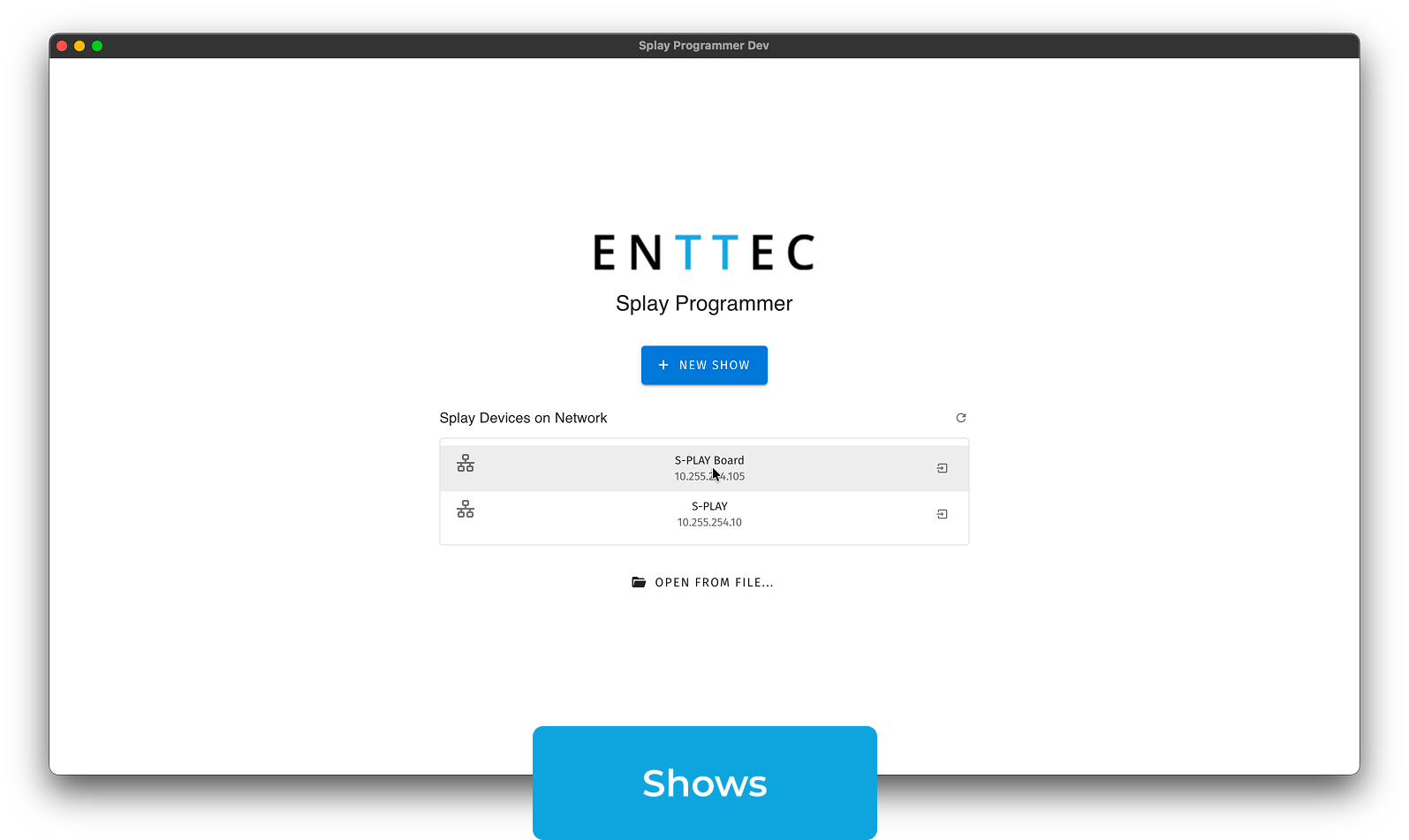
Designed for integrators managing multiple installations, the software auto-discovers all S-PLAY devices on the network and lets you deploy to each one from a single workspace.
Desktop Exclusive
Layout
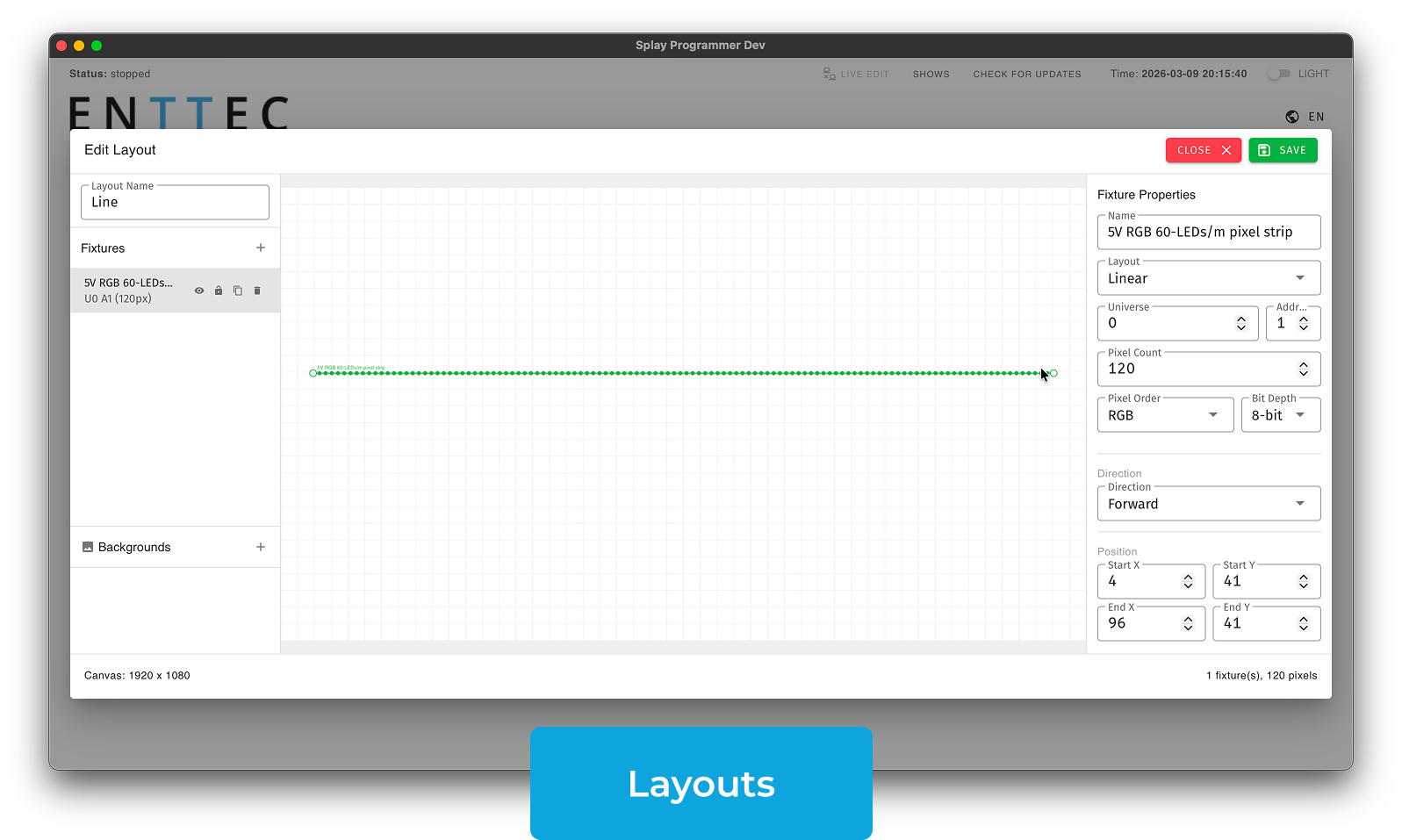
The Layout page is where you tell the software how your fixtures are physically arranged in space. This is what allows shader animations to move across your rig in a way that makes sense, so waves, sweeps and colour flows follow the real positions of your fixtures. Only available in S-PLAY Programmer; this feature doesn’t exist in the browser interface.
Choose from Grid, Linear, Circle or Bezier depending on how your fixtures are installed. Layouts are saved and reusable across multiple Scene Cues.
How It Works
- Open the Layout editor and choose a layout type
- Place your fixtures to match their real-world positions
- Save the layout and it will be available when creating a Scene Cue
Desktop Exclusive
Scene Cues
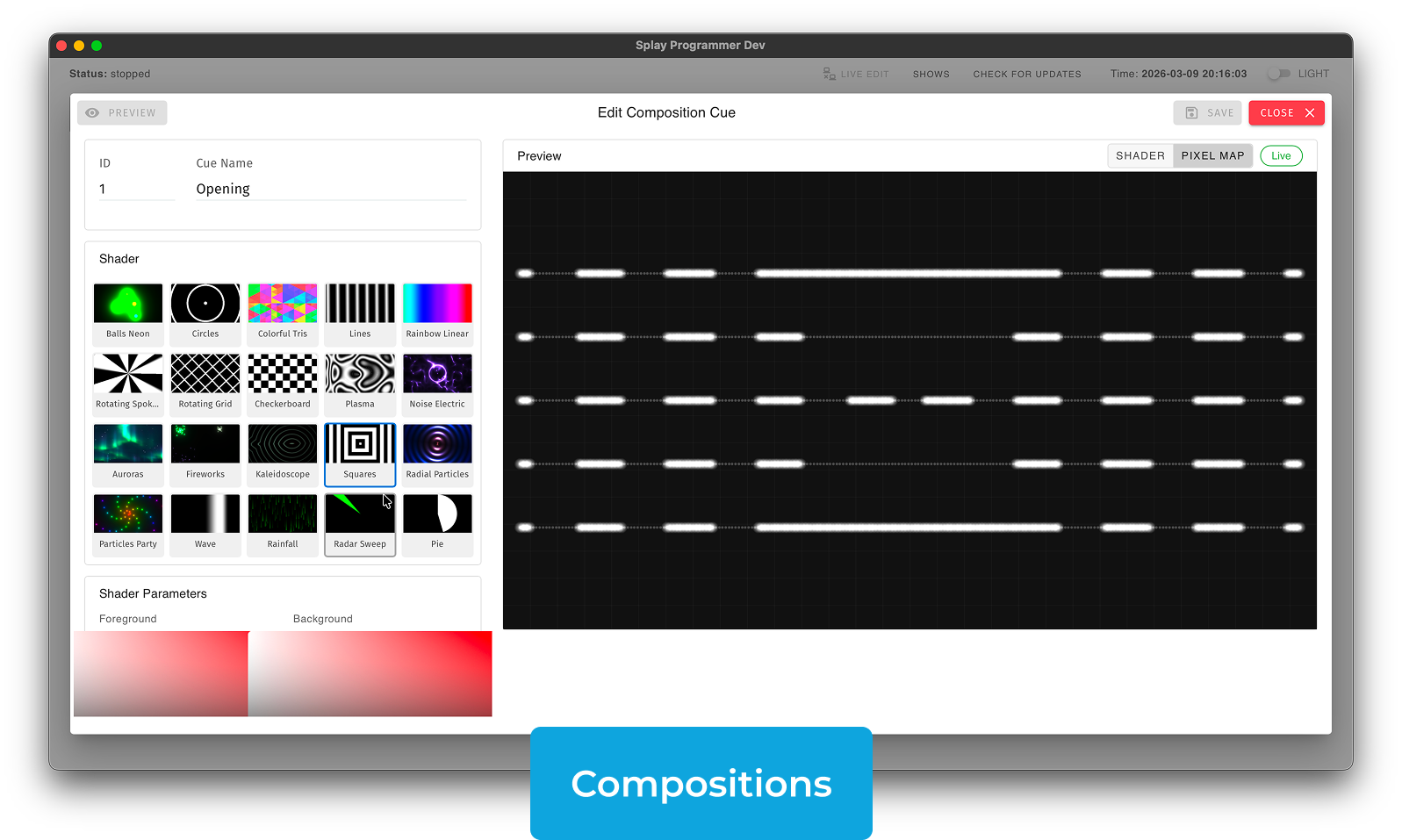
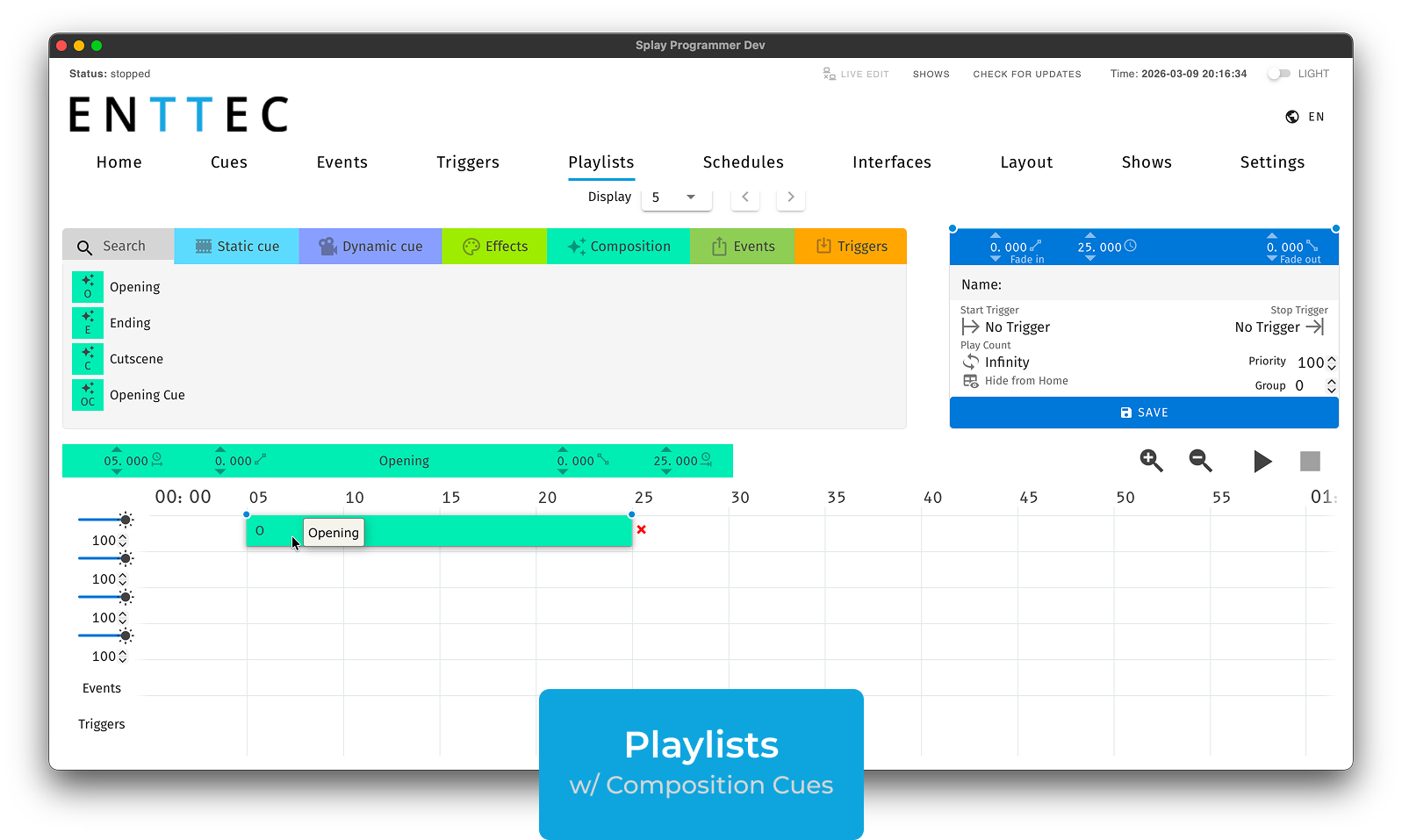
Using shaders and fixture layouts, they generate complex animated effects in seconds rather than the minutes or hours real-time recording would take. Only available in S-PLAY Programmer; this feature doesn’t exist in the browser interface.
How It Works
- Create a Layout
- Select a shader preset and adjust colour/speed/intensity
- Set duration and frame rate (20–60 FPS)
- Click Bake, and the content renders super fast and is saved to the Cue list
System Requirements
| MINIMUM | RECOMMENDED | |
|---|---|---|
| OS | Windows 11 | Windows 11 |
| CPU | Quad-core 1.8 GHz | Quad-core 2.5 GHz |
| GPU | 4 GB VRAM | 8 GB VRAM or better |
| RAM | 8 GB | 16 GB |
| MINIMUM | RECOMMENDED | |
|---|---|---|
| OS | macOS 15 (Sequoia) | macOS 26 (Tahoe) |
| Chip | Apple M1 | Apple M1 Pro / M2 |
| GPU | 8-core GPU | 14-core GPU or better |
| RAM | 8 GB | 16 GB |
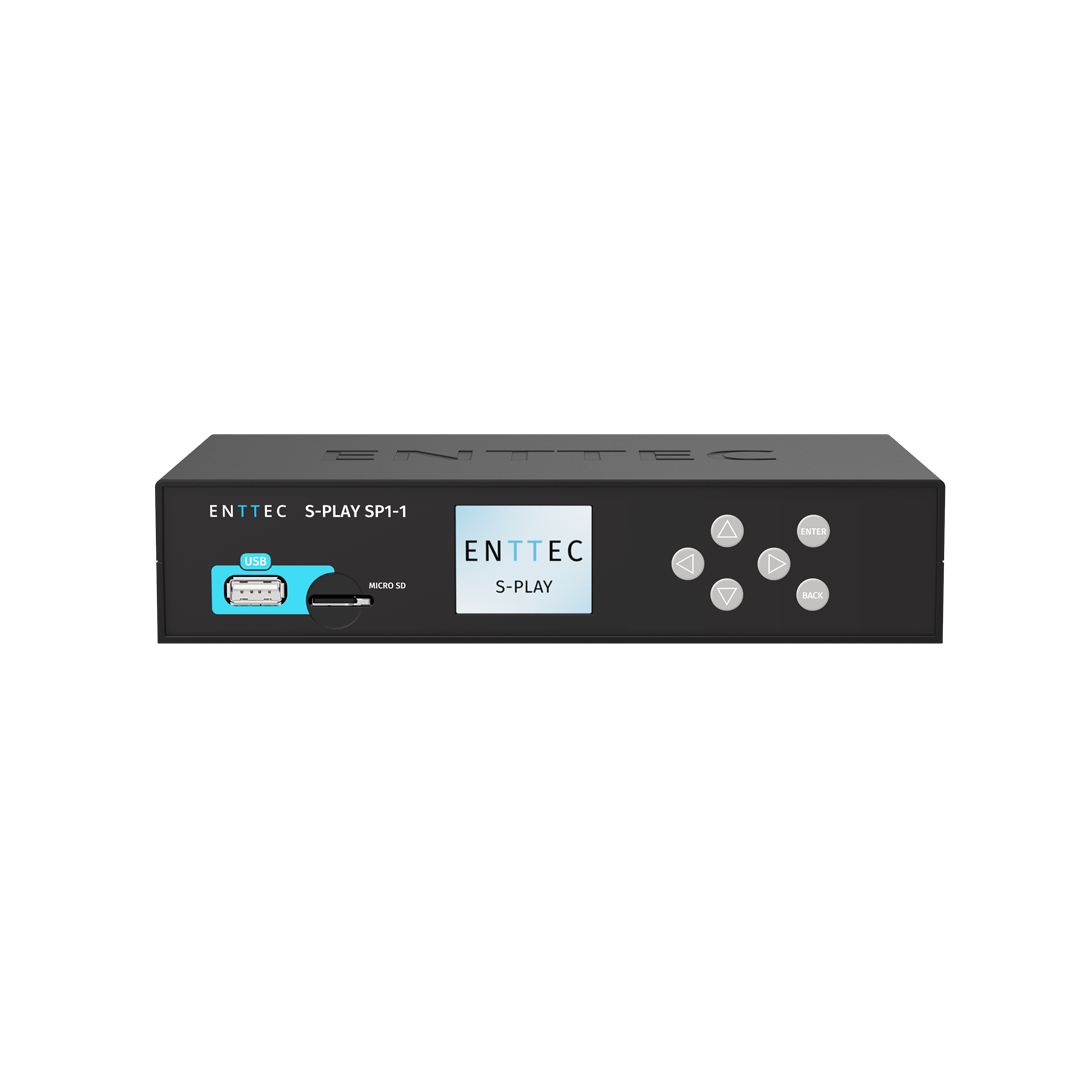
Hardware compatibility: S-PLAY Programmer Software works exclusively with the ENTTEC S-PLAY SP1-1 (70092) Version 3.2. A LAN connection is required for Preview, Deploy and Extract functions. The software itself does not output DMX — all output occurs through connected S-PLAY hardware.
Resources

Available for Windows and macOS, free with no license required. Updates are delivered automatically through the software.

S-PLAY Programmer User Manual

Related Products
Check out other ENTTEC products

ENTTEC LED MAPPEREngineered for projects that require precise automation, the S-PLAY smart light show controller is your all-in-one solution. 
EMU
EMU is a state-of-the-art, intuitive sound-to-light control software designed for professional live musicians and DJs. Easy to use, EMU allows you to run automated or responsive DMX light shows, leaving you to focus on your show!