What it does
Hours back on every installation
Scene Cues and Fixture Layouts do not exist in the S-PLAY browser interface, and they are where most of the time goes: animation is generated rather than recorded. Everything the browser interface builds, this builds too.
Saves time
Update every S-PLAY from one place
Every S-PLAY on the network in one list, up to 250 of them. Pull a show off a unit to edit what is already running, or send one show to all of them at once.
One tool, start to finish
Nothing else to licence, nothing else to learn, and no sitting through a real-time record. Build it here and save it natively.
Build it before the hardware arrives
Quote a job, design it and demo it before a single S-PLAY is bought. Programming never waits on a delivery date.
No hardware means no DMX output to your lights. Build a fixture layout instead, and use a Scene Cue to preview how it will look on screen.
Scene Cues and Fixture Layouts
An hour of animation is ready in about a minute, instead of an hour spent recording it in real time. Draw where the fixtures actually sit, pick a look, and it renders. The S-PLAY plays it back like any other cue.
Fits how you already work
The interface you already know
-
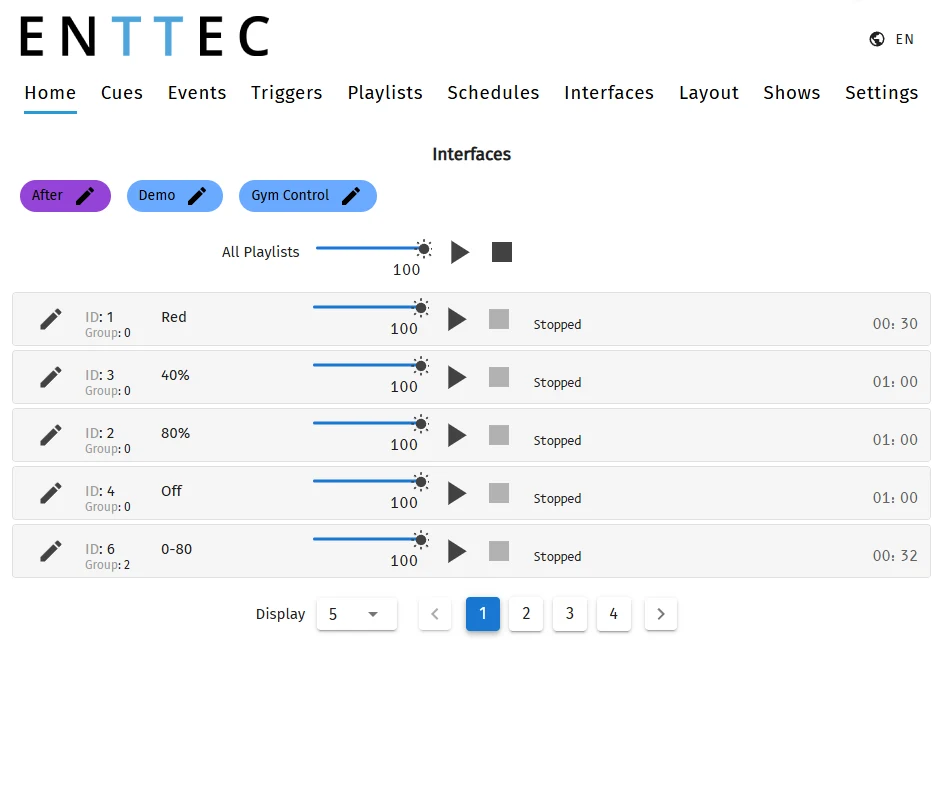 Home
Home
-
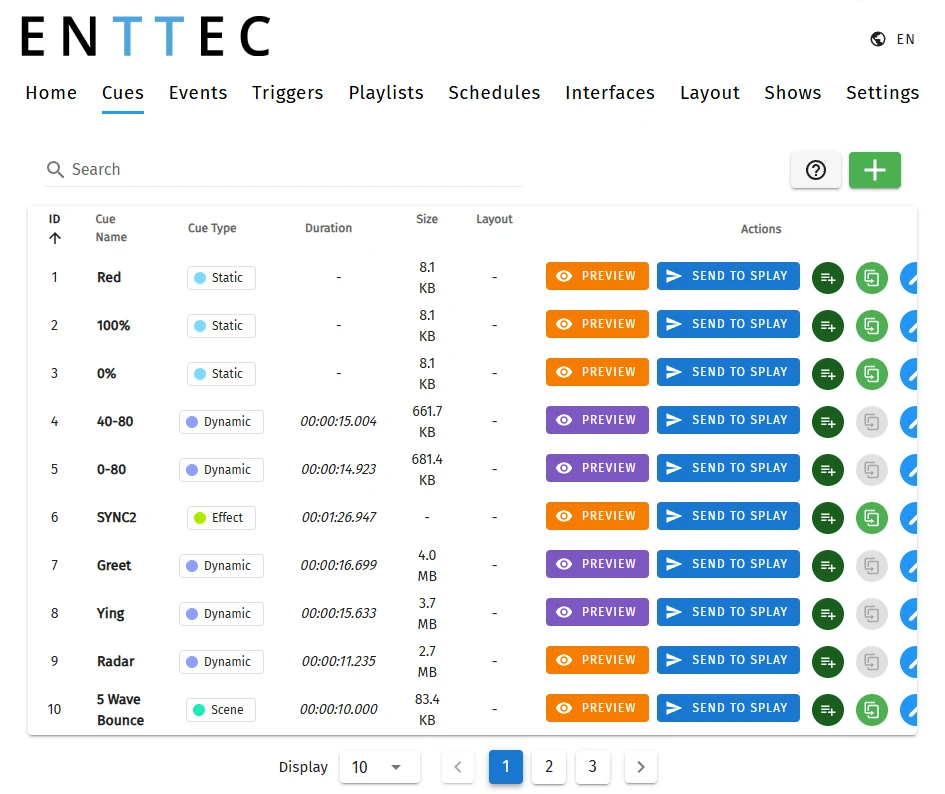 Cues
Cues
-
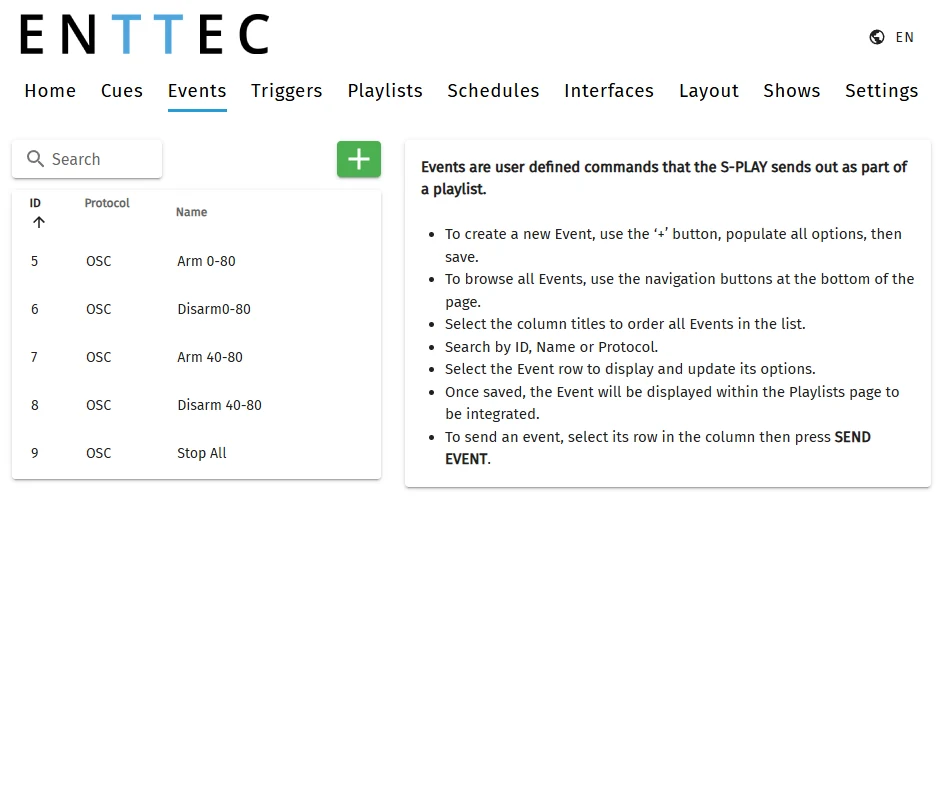 Events
-
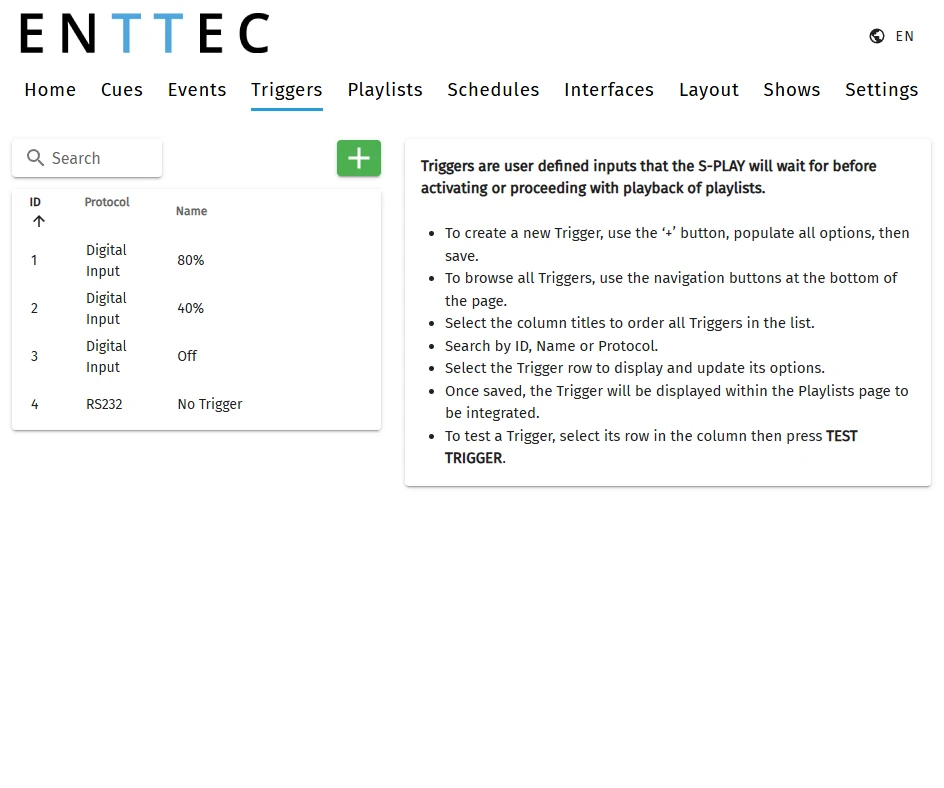 Triggers
-
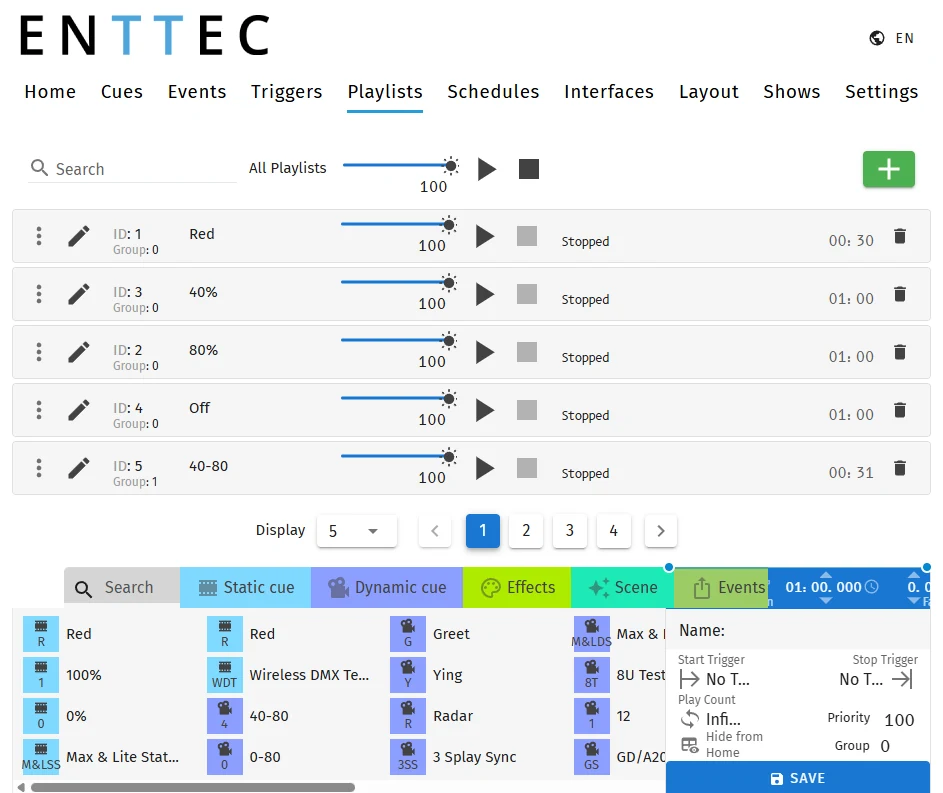 Playlists
-
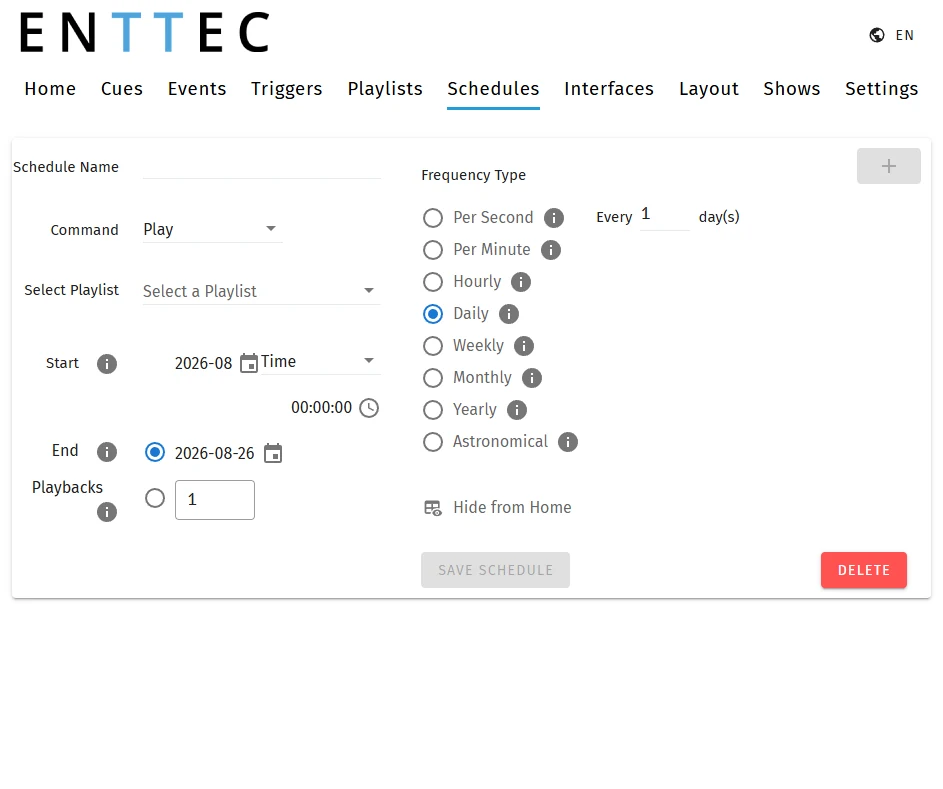 Schedules
-
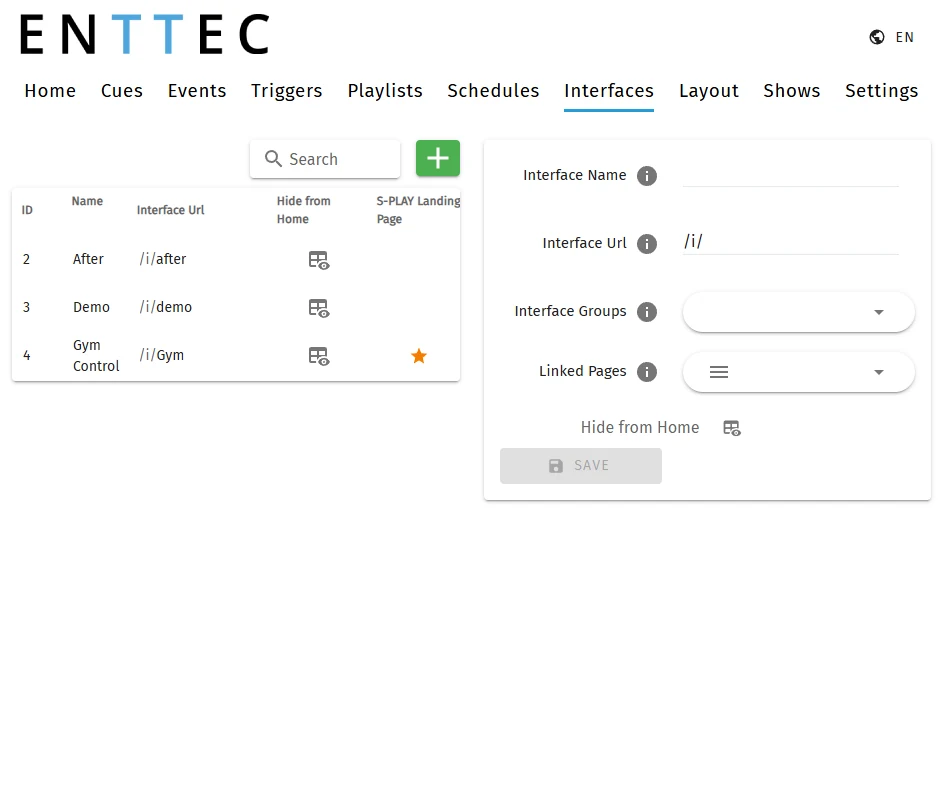 Interfaces
Try a cue on the real rig, commit nothing
Connect to an S-PLAY on the same network and your saved cues gain a Preview button. Press it and that one cue runs on the real fixtures. Nothing is written to the device until you deploy the show.

A show file you can hand over
Hand the client a .bak and the show outlives your laptop. If you cannot get on the site network, someone who is there can update it from the file.
Built for real installations
One company builds the software, builds the hardware, and answers the support ticket.
A Scene Cue is built per S-PLAY and covers that unit's 32 universes, so a single effect cannot span more than one unit. To run one effect across a multi-unit installation, record it from ELM instead.
Video
Let's get started!
Watch this tutorial as Kim and Luke build a show from scratch, from mapping the fixtures to deploying it to every S-PLAY on the network. Pick a chapter to jump straight to a step.
Resources
Download, requirements and manuals
S-PLAY Programmer
- No licence, dongle or activation
- Checks for updates on launch
- No account, and no internet needed to build a show
- Works with the S-PLAY SP1-1 on firmware 3.2 or later