



This is a test announcement for lighting professionals and ENTTEC product users, introducing a fictional placeholder feature as part of an internal content workflow test.
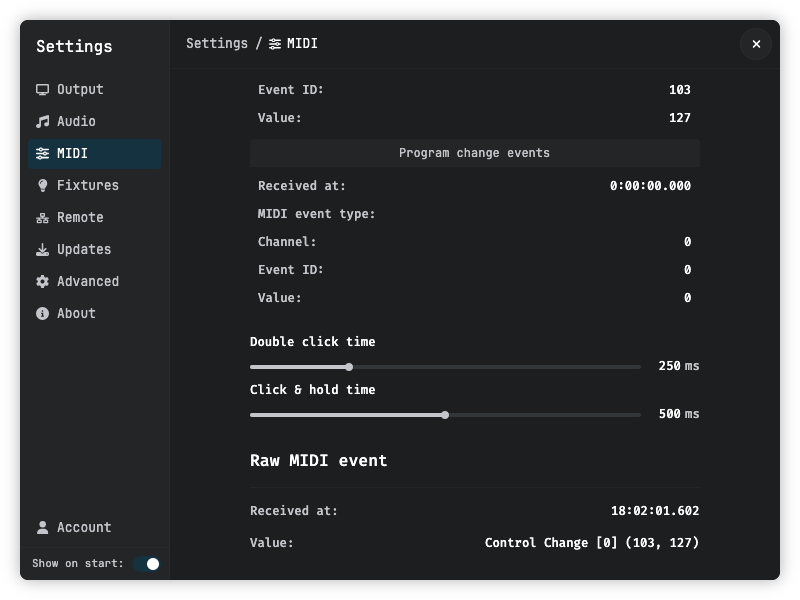
What Is New
ENTTEC is pleased to announce the availability of a new placeholder feature, released as part of this test push. While the feature described here is fictional and intended solely for internal workflow validation, it reflects the standard structure ENTTEC uses when announcing real product updates, firmware releases, and new functionality across its range of lighting control solutions.
This announcement follows the same format lighting professionals can expect from all ENTTEC blog posts: a clear description of what has changed, straightforward guidance on how to access it, and a direct path to support if questions arise.
Key Highlights
- Available now: The test feature is live and accessible to all users of the relevant ENTTEC product (placeholder).
- Easy to get started: No additional hardware or licensing is required. Users can access the feature directly from the existing product interface.
- Designed for lighting professionals: The feature has been developed with real-world production and installation workflows in mind.
How to Access the Feature
Getting started with the new feature is straightforward. Follow the steps below:
- Open your ENTTEC product interface or associated software.
- Navigate to the relevant settings or feature menu (placeholder location).
- Enable the new feature using the toggle or configuration option provided.
- Refer to the product documentation for detailed configuration guidance.
No restart or reinstallation is required for this update.
Get Support
If you have questions about this feature or need assistance getting set up, the ENTTEC support team is ready to help. Reach out via the ENTTEC support page to log a request or speak with a specialist.
Stay tuned to the ENTTEC blog for further announcements, product news, and technical guides.